

Clearing memory and managing it are two different relationships with the same tool. One is a chore you repeat. The other is ownership: you can see what's stored, trace it back to where it came from, and remove exactly the item you want gone — not because you ran out of room, but because it no longer deserves a place.
ChatGPT Memory: How It Works, Why It Fills Up, and What Should Replace It
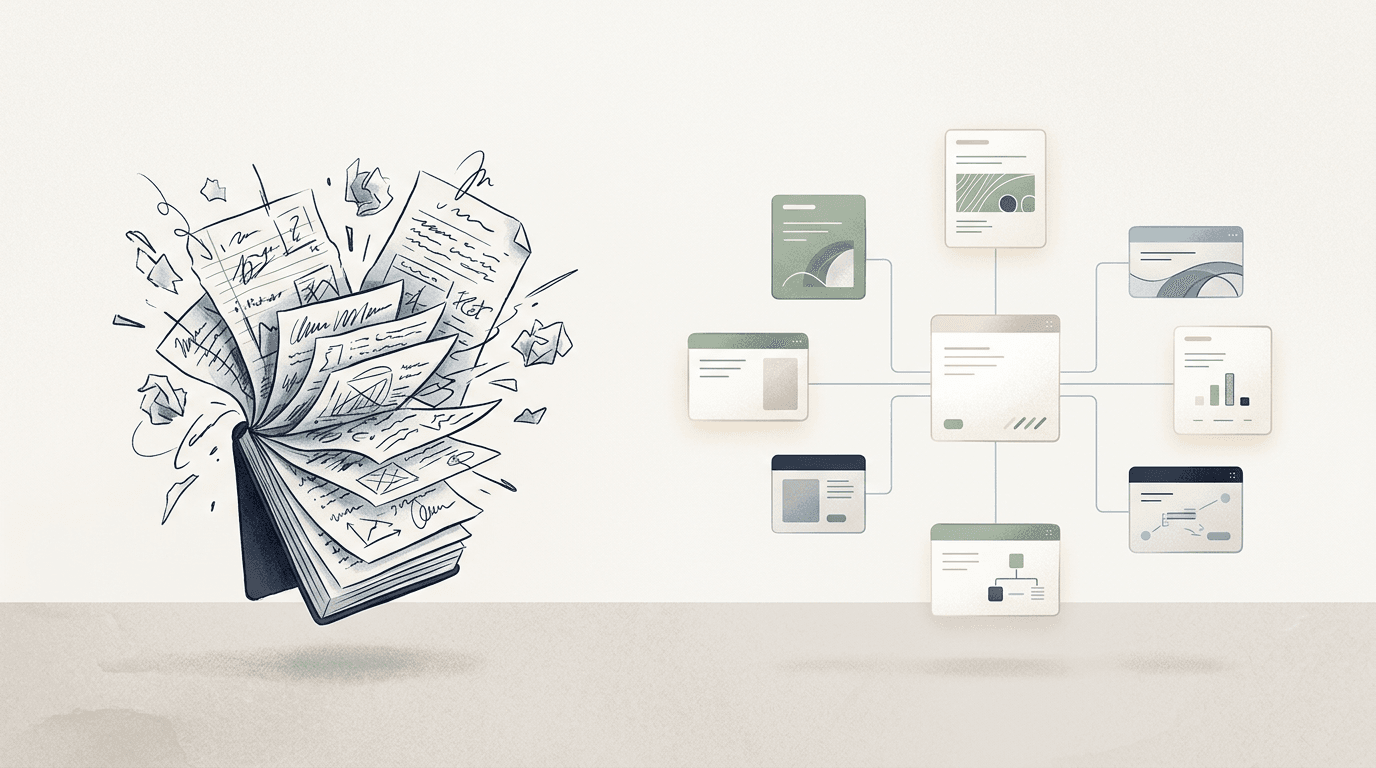
You explained your business to ChatGPT in March. The market you serve, the way you price, the project that keeps slipping. In July you open a new chat and it asks you what your company does — politely, as if for the first time.
If you've been here, you already know the pattern. ChatGPT remembers some things, forgets others, and occasionally fills the gap with a confident guess. At some point it also tells you something quietly alarming: your memory is full.
This post is the honest tour. What ChatGPT's memory actually is, why it fills up no matter how carefully you prune it, how to see and clear what it stores — and why none of that is really the fix. Because the problem was never that your memory is too small. It's that your business context lives in the wrong place.
What ChatGPT memory actually is
Strip away the mystique and ChatGPT's memory is a small notepad. When you mention something worth keeping — your role, your preferences, the project you're shipping — ChatGPT writes a short sentence about it to a list that gets attached to every future conversation. Since a 2026 rebuild, it also maintains a synthesized summary of you: a few dense paragraphs distilled from your chat history.
Two things follow from that design, and they explain most of what frustrates people about it.
First, the notepad is small by necessity. Every stored fact rides along with every message you send, so an unbounded memory would crowd out the thing you actually asked about. OpenAI has never published the cap. Third-party estimates put it somewhere around 1,200 to 1,400 words — a page or two about your entire working life. Paid tiers reportedly got more room in the June 2026 rebuild, but "twice a couple of pages" is still a couple of pages.
Second, it's a summary, not a source. You told ChatGPT about your pricing logic across a dozen conversations. What it keeps is not those conversations — it's a compressed paraphrase, rewritten by the system, not visible line-by-line the way a document would be. When a summary is the record, "what does it know about me?" has a fuzzy answer.
Why it fills up — and why deleting is a treadmill
The "memory full" notice doesn't mean anything broke. Your existing memories keep working and conversations carry on as normal. What stops is the writing: no new long-term facts get saved until you delete something.
There are two reasons this is worse than it sounds.
The memory fills itself. Memory used to require a cue — "remember that I prefer short answers." Now ChatGPT writes memories in the background, deciding on its own that something you mentioned in passing is worth keeping. That's good for freshness and bad for your quota: a flight you once asked about, a restaurant, a project you abandoned in March. If you've never opened the memory list, a meaningful share of it is probably noise you never chose.
A full store can decline a write without telling you. There are reports that when memory is full, ChatGPT will still confirm "I'll remember that" — and then simply not save it. Nothing was written; there was no room. You find out weeks later, when you ask about the thing and get nothing back. The ten-second check: after asking it to remember something you care about, ask it to read the entry back. If it can't quote it, the confirmation was a sentence, not a receipt.
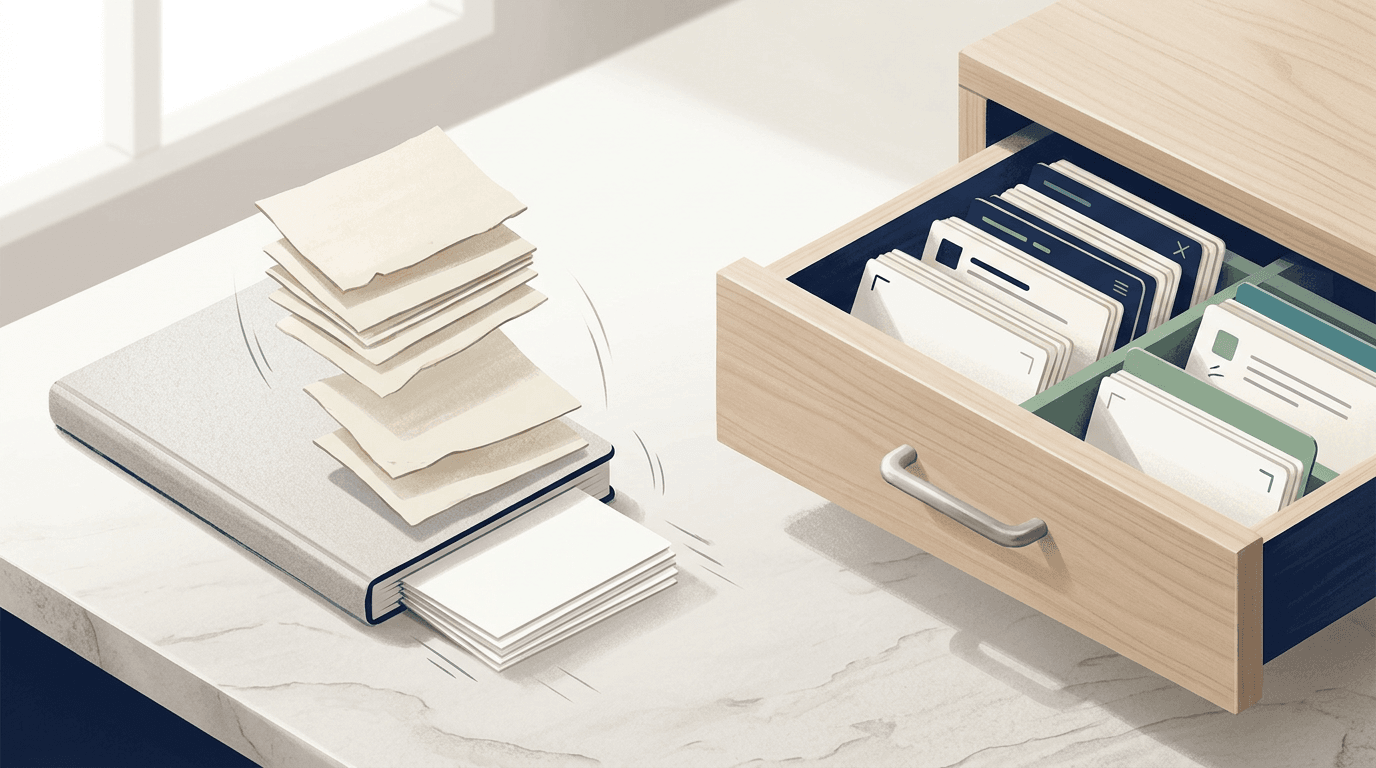
And here's the treadmill: even if you clear the store diligently, it fills again. The cap is fixed; your context keeps growing. Clearing memory is maintenance, not a solution — the filing equivalent of bailing out a boat with a design flaw.
How to see, correct, and clear ChatGPT memory
The current controls live under Settings → Personalization → Memory. Order matters here — read before you delete, because there's no export button and no undo.
1
Read the whole list first
2
Delete individual entries
3
Merge the duplicates
4
Use the 'forget' prompt for quick fixes
5
Know the nuclear option
6
Use Temporary Chats for sensitive sessions
What clearing doesn't delete
This is the part OpenAI's own documentation buries, and it trips up almost everyone.
Deleting a chat does not delete the memory derived from it. Memories are stored separately from chat history, so the conversation that contained a fact can be gone while the fact lives on. Conversely, clearing your memories leaves every conversation in the sidebar untouched.
A complete removal, per OpenAI's help center, means working through all of it: the memory summary, the saved memories, regular and archived chats, files in your library, custom instructions, and any connected apps that still hold the information. Even then, OpenAI may retain logs of deleted saved memories for up to 30 days for safety and debugging purposes.
None of this is sinister — it's what you get when memory is an invisible summary layer instead of a place you can inspect. But it does mean the honest answer to "how do I control what ChatGPT knows about me?" is: carefully, repeatedly, and with a checklist. Control shouldn't require a checklist.
ChatGPT's memory vs. what a business actually needs
We told the assistant about a client's constraints in three separate conversations. A month later it quoted a pricing rule we'd changed two quarters ago. Nobody could tell us what it 'knew' or where from.
Founder, eight-person agency
Founder, eight-person agency
ChatGPT memory, the short answers
The memory your business deserves
Keep ChatGPT's memory for what it's good at: small, stable preferences. How you like answers formatted, your tone, your units. That's what a notepad is for.
But your business knowledge — what you sell, to whom, the decisions you've made and why, the context every email and proposal and strategy session depends on — doesn't fit in a capped notepad, and it shouldn't live inside any single tool's memory. It should live somewhere you own.
That's the idea behind Parmind. Your Mind is a personal knowledge base with no cap to hit: capture the client brief, the pricing decision, the project context, the note from Tuesday's call. Every item is visible — you can see what's stored, trace it, correct it, or delete it. No black box, no silent refusals. And because knowledge shouldn't be a solo act, the same context is there for your team: one shared source of truth instead of everyone re-explaining the business to their own assistant.
From there, asking questions of your own knowledge becomes the easy part — Parmenides, Parmind's AI assistant, answers from what you've actually stored, not from a compressed guess about you.
Your business context is an asset. Give it a home that's built to hold it.