What a Second Brain Actually Is — And What It Isn't
The term "second brain" gets used loosely. People attach it to Notion databases, browser bookmark folders, Obsidian vaults with 40 plugins, and elaborate capture pipelines that take more time to maintain than the knowledge they hold. So let's be clear about what it actually means.
A second brain is not a storage system. It's a thinking system.
The distinction matters more than it sounds. A storage system holds things. A thinking system helps you use things — to decide, write, learn, connect, and create. If your notes are sitting untouched in a folder you haven't opened since March, that's storage. A second brain should make knowledge available when you need it, not just preserved somewhere technically.
What a second brain is not
A bookmark archive. Saving links without context is just collecting. Most saved articles are never read again.
A task manager. To-do lists help you track actions. A second brain holds the knowledge behind those actions — the research, the context, the decisions already made.
A note dump. A place where every thought lands indiscriminately quickly becomes digital noise. Signal gets buried.
A project to maintain. If your second brain requires weekly rituals, plugin updates, and folder reorganization to function, it's working against you.
What a second brain actually does
A real second brain captures what you genuinely want to remember, organizes it in a way that surfaces connections, and lets you retrieve and interact with it without friction.
The goal is usable knowledge — not more storage, not a bigger archive, not a more impressive system architecture.
Practical takeaway: Before building or choosing any second brain tool, ask one question: Can I find what I saved three months ago in under 30 seconds? If not, what you have is a storage problem, not a thinking system. That's the problem worth solving.
Where AI Changes the Equation
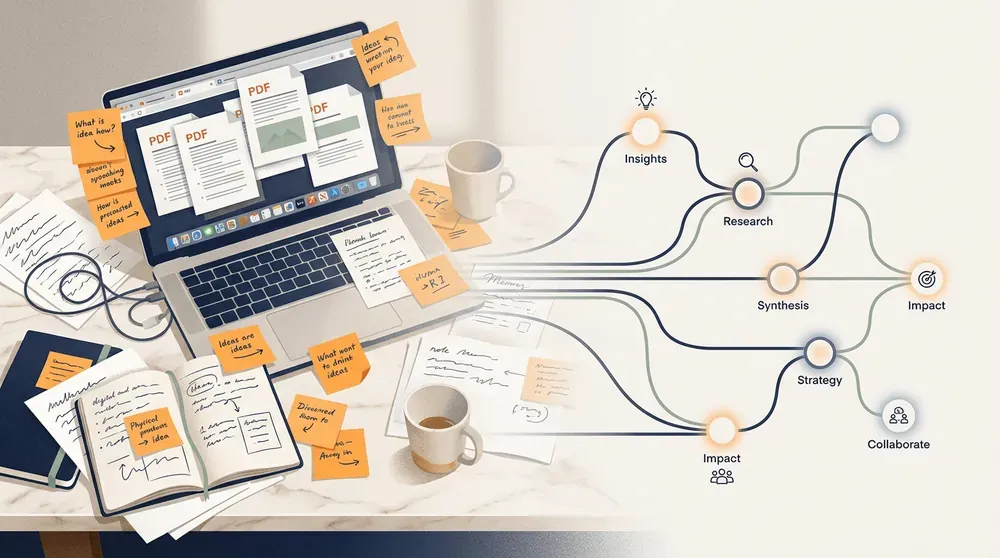
For years, building a second brain meant building a system. You picked your tools, designed your folder structure, wrote your capture rules, set up your weekly review, and hoped you had the discipline to maintain all of it. The knowledge base was always one skipped review away from becoming a mess.
AI changes the fundamental dynamic — not by adding a chatbot on top of your notes, but by shifting what the system can do on its own.
From passive storage to active organization
The old approach was retrieval-dependent: you saved things, then hunted for them later. Success depended on how well you tagged, titled, and filed things in the moment — usually when you had the least time to think carefully.
With AI built into the system, organization becomes an ongoing process rather than a one-time chore. Your knowledge base can categorize new captures, surface relevant connections, and flag related material you saved weeks ago — without you managing any of it manually.
From search to conversation
Search assumes you remember what you're looking for. But the most valuable insight is often the one you forgot you had.
AI-powered Q&A lets you ask your own knowledge base questions the way you'd ask a well-read colleague: What do I know about pricing strategy? or What have I saved on deep work? The answer draws from your actual material — not the internet.
This is the shift Andrej Karpathy described when he talked about personal LLM knowledge bases: using AI not to generate new information, but to make your existing knowledge useful and accessible on demand.
What this means practically
You spend less time filing and more time thinking.
Connections between ideas surface without requiring manual linking.
Forgotten notes become relevant again when you need them.
Your knowledge compounds over time instead of collecting dust.
The result is a second brain that works with you — rather than one that waits for you to maintain it.
More tools, more maintenance — not always more clarity.
There's a popular setup that shows up in almost every "second brain" tutorial: Readwise captures your highlights, Obsidian stores your notes in a vault of interlinked markdown files, Notion holds your projects and reference material, and Claude or ChatGPT sits somewhere in the middle to help you make sense of it all.
It looks clean in a diagram. In practice, it becomes a project in itself.
Each tool has its own conventions. Obsidian wants you to design a folder structure and tagging system. Notion wants you to build databases and templates. Readwise needs you to review your highlights regularly or they pile up unread. The AI tools require you to copy and paste context every session — they don't know what you saved last month.
The result: you spend more time maintaining the pipeline than using what's in it. The system becomes the work.
This is the DIY stack trap. It's not that these tools are bad — Obsidian is genuinely powerful, Notion is flexible, Readwise solves a real problem. But assembling them into something coherent takes weeks of setup, ongoing calibration, and a tolerance for friction that most people eventually lose.
Knowledge management stops feeling like thinking and starts feeling like IT work.
The goal was never to build an impressive system. The goal was to think more clearly and actually use what you know. When setup rituals and plugin updates become the daily reality, something has gone wrong.
A second brain should reduce your cognitive load — not add to it.
The Five Core Jobs a Second Brain Needs to Do
Most second brain setups fail not because the tools are wrong, but because the system is missing a job or two. Before evaluating any tool — DIY stack or ready-made product — it helps to know what a second brain actually needs to accomplish.
There are five core jobs. Think of them as a chain: each one builds on the last.
1. Capture
Your second brain needs to receive knowledge without creating friction. Articles, PDFs, notes, ideas, research — all of it should land somewhere reliable before it disappears into a browser tab or a forgotten screenshot folder. The test: can you save something in under ten seconds, from wherever you are?
2. Organize
Raw capture is just storage. Organization is what turns a pile of saved things into something navigable. This doesn't mean rigid folders or elaborate taxonomies. It means your knowledge ends up somewhere you can find it — and ideally, somewhere it groups with related ideas automatically.
3. Connect
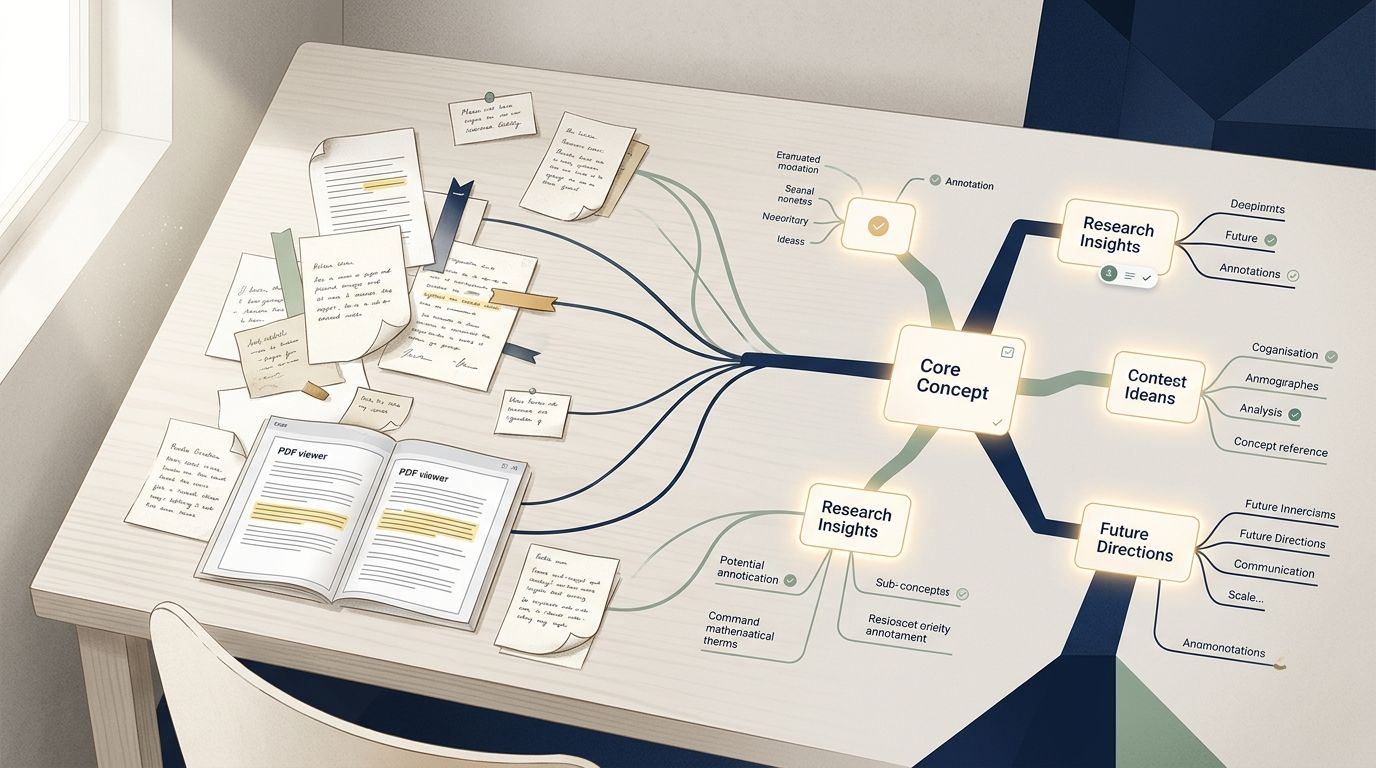
This is where most systems quietly fall down. Individual notes are useful. Notes that link to related concepts, past research, and recurring themes are powerful. A second brain should surface relationships you didn't explicitly create — the kind of connection you only notice because something reminded you.
4. Resurface
Saving is easy. Returning to what you saved is not. A good second brain brings relevant knowledge back to you when it matters: before a meeting, while writing, when starting a new project. If your saved material only appears when you go looking for it, you're running a search engine, not a second brain.
5. Answer
The final job — and the one AI makes genuinely new. Instead of browsing your notes hoping something clicks, you ask a direct question and get an answer drawn from your own saved knowledge. Not a web search. Not a general AI response. Your thinking, made queryable.
The practical takeaway: Before adding any tool to your setup, ask which of these five jobs it actually performs. A tool that only handles capture is a bucket. You need the whole chain.
Most people approach capture the wrong way. They treat their second brain like a hard drive — save everything, sort it out later. The result is a digital junk drawer full of half-read articles, vague highlights, and notes that made sense in the moment but mean nothing a week later.
The better framing: your second brain is a signal-rich knowledge base, not a backup system.
That means being selective. Not ruthlessly minimalist — but intentional. Before saving something, ask one question: Will this be useful to a future version of me? If the answer is unclear, it probably does not belong.
What belongs in a second brain:
Research and references you will genuinely return to
Articles, PDFs, and papers that shaped how you think about a topic
Ideas worth developing — rough or half-formed is fine
Notes from books, conversations, or meetings that contain real insight
Context for ongoing projects or decisions
What does not belong:
News you read once and forgot
Screenshots saved "just in case"
Bookmarks you have never opened
The discipline here is not about perfect filing. It is about raising the signal-to-noise ratio so the knowledge you do save stays findable and useful.
Capture tools matter less than capture habits. A note with one clear sentence of context — why this idea matters, where you encountered it, what question it answers — is worth ten untagged links saved in a hurry.
A well-kept second brain is not big. It is precise.
Organization Without the Overhead: Letting AI Do the Heavy Lifting
Making Connections You Would Have Missed
“
The goal of a second brain is not just to store information, but to retrieve it effortlessly when you need it most — to make your knowledge work for you, not the other way around.
Tiago Forte
Author, Building a Second Brain
A Day in the Life With a Working Second Brain
This is what it looks like when your knowledge actually works for you — not as a productivity fantasy, but as a realistic daily workflow.
1
Morning: A half-formed idea lands in your inbox
2
Mid-morning: You're prepping for a client meeting
3
Lunch: A conversation sparks a connection
4
Afternoon: You're writing a proposal
5
Late afternoon: A new idea needs a home
6
End of day: No backlog, no guilt
Common Mistakes People Make When Building a Second Brain
Saving is not the same as organizing. Most people build a large archive of bookmarks, notes, and screenshots they never return to. A second brain only delivers value when you can find and use what you've saved. If retrieval feels broken, the problem is usually that capture happened without any thought about how the information would be used later.
Absolutely — and it's one of the most common traps. Spending weeks designing folder hierarchies, tag taxonomies, and custom templates feels productive, but it delays the actual work: thinking and learning. A system that requires constant maintenance tends to collapse the moment life gets busy. The goal is a knowledge base that works with you, not one you have to babysit.
Less than you think. Saving everything creates noise that buries the signal. The most durable second brains are selective: they hold meaningful knowledge, not every article you glanced at. A useful filter is to ask whether you'd realistically return to something and act on it. If the answer is no, it probably doesn't belong.
Because building becomes the hobby instead of thinking. Multi-tool stacks — combining Obsidian, Notion, Readwise, and custom scripts — require ongoing technical upkeep. When the maintenance burden grows, most people quietly abandon the system. The setup was never the point; having useful, connected knowledge available when you need it was.
Capture is passive; learning requires engagement. Saving a note or highlighting an article does not transfer knowledge to you. The second brain should help you return to ideas, connect them to other things you know, and apply them. That's why retrieval and synthesis matter as much as capture — and why AI-assisted Q&A can genuinely change how you use your saved material.
How to Start Without Overwhelming Yourself
No. The most common mistake is treating setup as the first task. Start with one type of content you already have — a folder of saved articles, a pile of research notes, a collection of bookmarks — and capture that. A useful second brain starts with something real, not a perfectly designed structure.
Pick one question you're trying to answer right now. Something like: 'What do I actually know about this topic I'm researching?' Save three to five relevant pieces of content, then ask that question of your knowledge base. That single loop — capture, organize, ask — is the whole system in miniature.
Choose a tool that does the organizing for you, rather than one that requires you to maintain folder hierarchies, tags, and plugins. The more manual the system, the more likely it collapses under real-world use. An opinionated product with built-in AI organization reduces the ongoing maintenance burden significantly.
Start with whatever you're actively working with right now — not your backlog. If you're deep in a research project, save notes from that. If you're learning a new skill, capture the articles and ideas that are shaping your thinking this week. Relevance makes the habit stick faster than completeness.
Most people notice a difference within a week if they're consistent about one use case. The shift happens when you search for something you saved and actually find it — or when you ask a question and get a useful answer drawn from your own material. That moment tends to make the habit self-reinforcing.